
…
Skip to content
+90 212 366 57 26app@icitech.com.trOn iOS & Android · KVKK aligned · 24/7 support
|Request a Demo
Clocktice
  • Features
  • Solutions
  • Why Clocktice
  • FAQ
  • Resources
  • About
  • Contact
Request a Demo

Loading…

KVKK and GDPR alignedSSL-secured data transferAvailable on iOS and Android24/7 support teamIndustry-specific demos
Clocktice

Clocktice is a mobile-ready platform that unifies workforce management and time tracking in one place.

Download on the App StoreGet it on Google Play

Follow Us

Product

  • Features
  • Check-in / Check-out
  • Shift Schedule
  • Leave Management
  • Break Management
  • Project & Branch Management
  • Reporting & Timesheets
  • Other Features

Solutions

  • Manufacturing
  • Retail
  • Healthcare
  • Logistics & Transport
  • Construction & Field
  • Technology & Office
  • All Solutions

Company

  • About Us
  • Why Clocktice
  • Vision & Mission
  • Sustainability
  • Careers
  • Contact

Resources & Support

  • Blog
  • Help Center
  • Integrations
  • FAQ

Contact Details

+90 212 366 57 26

app@icitech.com.tr

Monday – Friday, 09:00 – 18:00

Get to know Clocktice

Request an industry-specific demo from our experts. We’re here for setup and integration questions.

Request a DemoExplore Features

Industry-specific demo · Setup support · Expert team

Help Center →FAQ →

© 2026 Clocktice. All rights reserved.

Privacy PolicyTerms of ServiceSubscription TermsData DeletionKVKKCookie Policy

Clocktice is built by iCiTech.

  1. Home
  2. /Features
  3. /Check-in / Check-out Tracking

Feature · Time & field

Check-in / Check-out Tracking

Record attendance in seconds with mobile time tracking that needs no extra hardware — location-verified punches land instantly in the admin panel.
Request a DemoAll Features
Check-in / Check-out Tracking

About this module

Classic time clocks (card readers, biometrics, cabling) are costly and fragile. Clocktice lets employees check in securely from their own phones.

Every punch includes geographic verification so you confirm staff are at a defined location and reduce fake check-ins. QR or camera-free methods keep speed high without dropping the security layer.

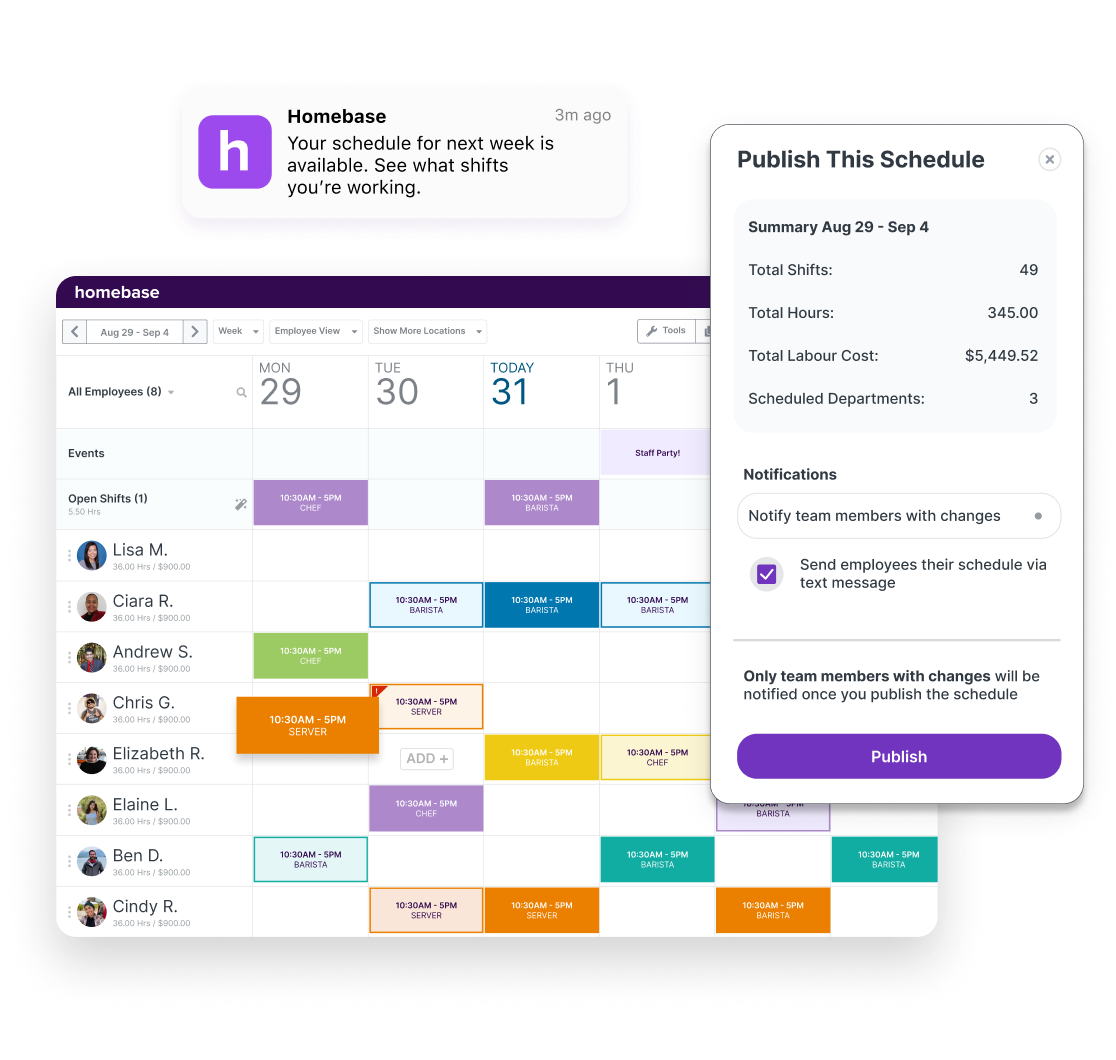
Managers monitor check-ins live by person, branch, or period. Late arrivals, early exits, and out-of-location attempts become visible — and month-end Excel merges shrink.

It scales across multi-branch retail, field logistics, and site crews without equipment cost. Onboarding takes minutes: install the app, match the account, grant location — records start flowing.

What does it provide?

  • No card reader / biometric hardware cost
  • Location-verified secure punches
  • Real-time manager visibility
  • Branch and person filters
  • Reminders that reduce forgotten punches
  • Privacy-conscious data processing (KVKK/GDPR-aligned approach)

How it works

Fit the module into your operations in three steps — setup takes hours, not days.

  1. 01

    Define locations and rules

    Set branch or project locations, tolerances, and who may punch outside the geofence from the panel.

  2. 02

    Connect staff to the mobile app

    Employees sign in on iOS/Android; optional phone–account pairing blocks unauthorized use.

  3. 03

    Monitor attendance live

    Punches hit the panel; managers get alerts and clean data is ready for month-end timesheets.

Who is it ideal for?

  • Multi-branch retail and store chains
  • Field sales and logistics teams
  • Construction and project-based crews
  • SMBs leaving card-based time clocks behind

Other modules

  • Shift Schedule Table

    Plan weekly shifts, holidays, and leave in one dynamic table; update the roster in minutes with bulk edits.

  • Break Management

    Log break start and end instantly from the mobile app; catch irregular patterns with daily reports.

  • Leave Management

    Manage annual, unpaid, and sick leave from the panel; auto-calculate remaining balances and notify by SMS.

Explore this module in your business

Plan a demo with our experts — we’re here for setup and integration questions.

Request a DemoAll Features